A useful detail
Help me develop a social ad image focused on one useful product detail. Ask for the product photo, audience and benefit I can substantiate. Build a clear visual concept around that detail.
Start with this brief ↗Create social ad image concepts in Bloopo chat. Bring a product and a message, choose the audience and placement, then develop a visual hook you can refine and test.
Choose a plan to start creating. Your workspace opens after checkout.
One product can support more than one story. Give each concept a clear reason to exist, then compare the results.
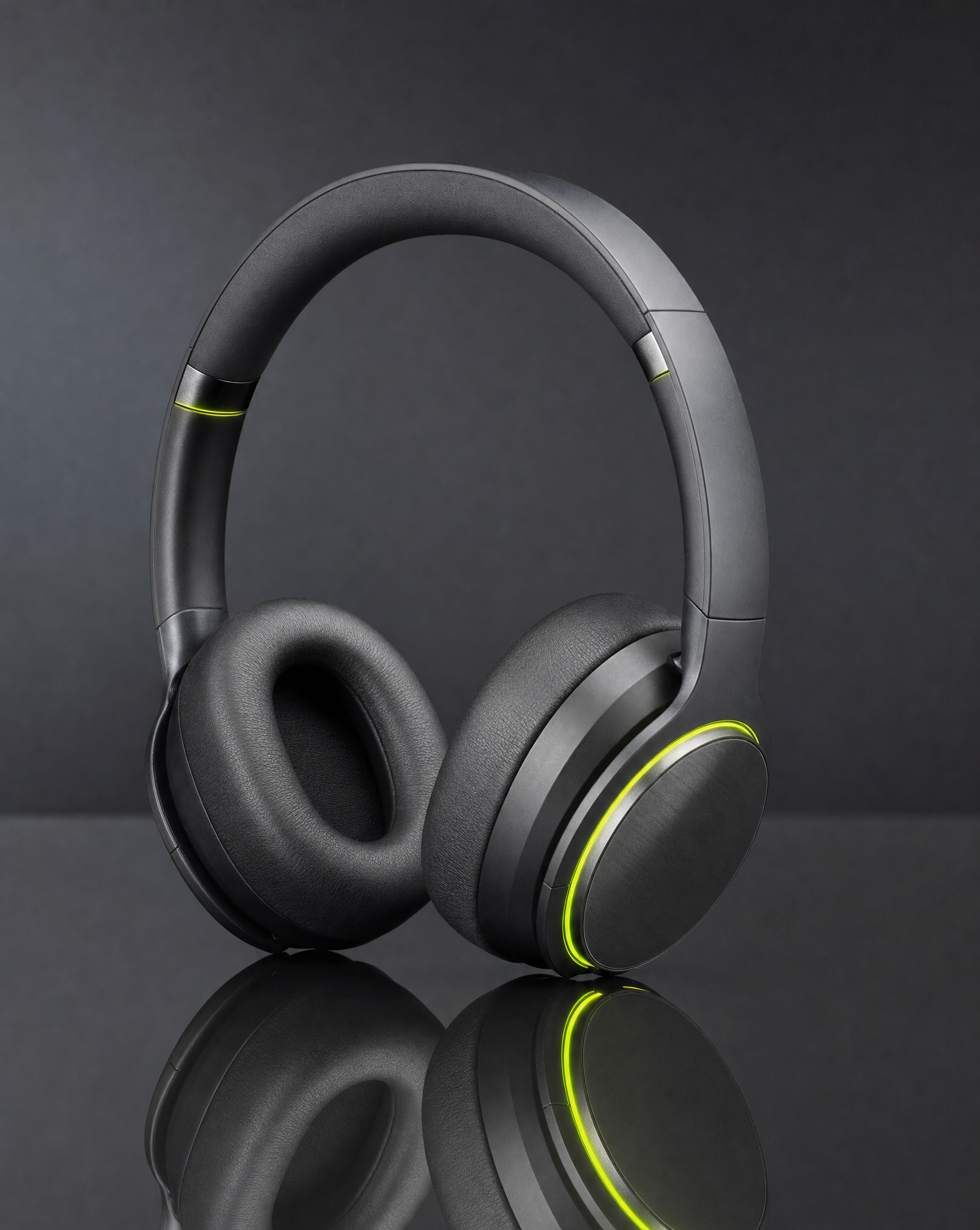

These briefs explore different reasons someone might care. They are starting points, not predictions of advertising performance.
Help me develop a social ad image focused on one useful product detail. Ask for the product photo, audience and benefit I can substantiate. Build a clear visual concept around that detail.
Start with this brief ↗Help me create a social image that puts my product in a believable everyday situation. Ask who uses it and what the moment should communicate. Keep the scene focused and leave room for copy.
Start with this brief ↗Help me explore a playful product campaign using a surprising sense of scale. Ask for my reference photo and the product details to preserve. Keep the idea original and the product easy to recognize.
Start with this brief ↗Separate the message from its visual treatment. Then you can compare concepts for a reason.
Build around a material, feature or use you can actually support. A close composition gives that detail room to speak.
Put the product into a situation the audience recognizes. Describe the setting and behavior rather than inventing a testimonial.
Use scale, color or an unusual setting to make a memorable concept. Keep the product and message easy to identify.
Give every variation a purpose, from the first discussion to the final asset.
Share the product and public brand information. Identify the audience, intended placement and claims you are able to make.
Choose what each concept should communicate. Ask for different compositions or settings, rather than an arbitrary batch of near-identical images.
Check the result, request a focused revision and download the asset. Evaluate the creative in your own campaign setup before expanding it.
Tell Bloopo the message and who it is for. A better ad brief starts with a useful idea, not a demand for more variations.
This workflow develops creative concepts and assets in chat. It does not automatically launch an ad campaign, buy media or manage advertising spend.
No. The chat can help develop distinct concepts and refine the visual work, but performance depends on the audience, offer, placement and testing. Treat each concept as something to evaluate.
Yes. Tell the chat where the image will be used and ask for format guidance. Review the final file and crop before uploading it; placement guidance is not a guarantee of platform approval.
Choose a monthly or six-month plan and complete payment before setting up your account. Plans include credits for images, video and sound. Existing customers can sign in with their current access.
Another direction for your next creative.
Bring a reference, a question or a direction you want to explore.
Choose a plan · Create after checkout