Ecommerce product photography
Explore product scenes with a real reference, deliberate light and materials that support the product. Learn what to preserve and what to review before a listing goes live.
Explore the workflowTEN WAYS INTO THE WORK
Bloopo is an AI creative assistant for images, video and sound. These ten guides focus on image creation and editing in chat, with example briefs, reference tips and practical workflows.
Explore the use casesChoose a plan. Your workspace opens after checkout.
01 / Products & experiences
A product, a menu item or a beauty routine needs more than a different background. Start with the real subject, then decide which materials, setting and light will make its story clear.
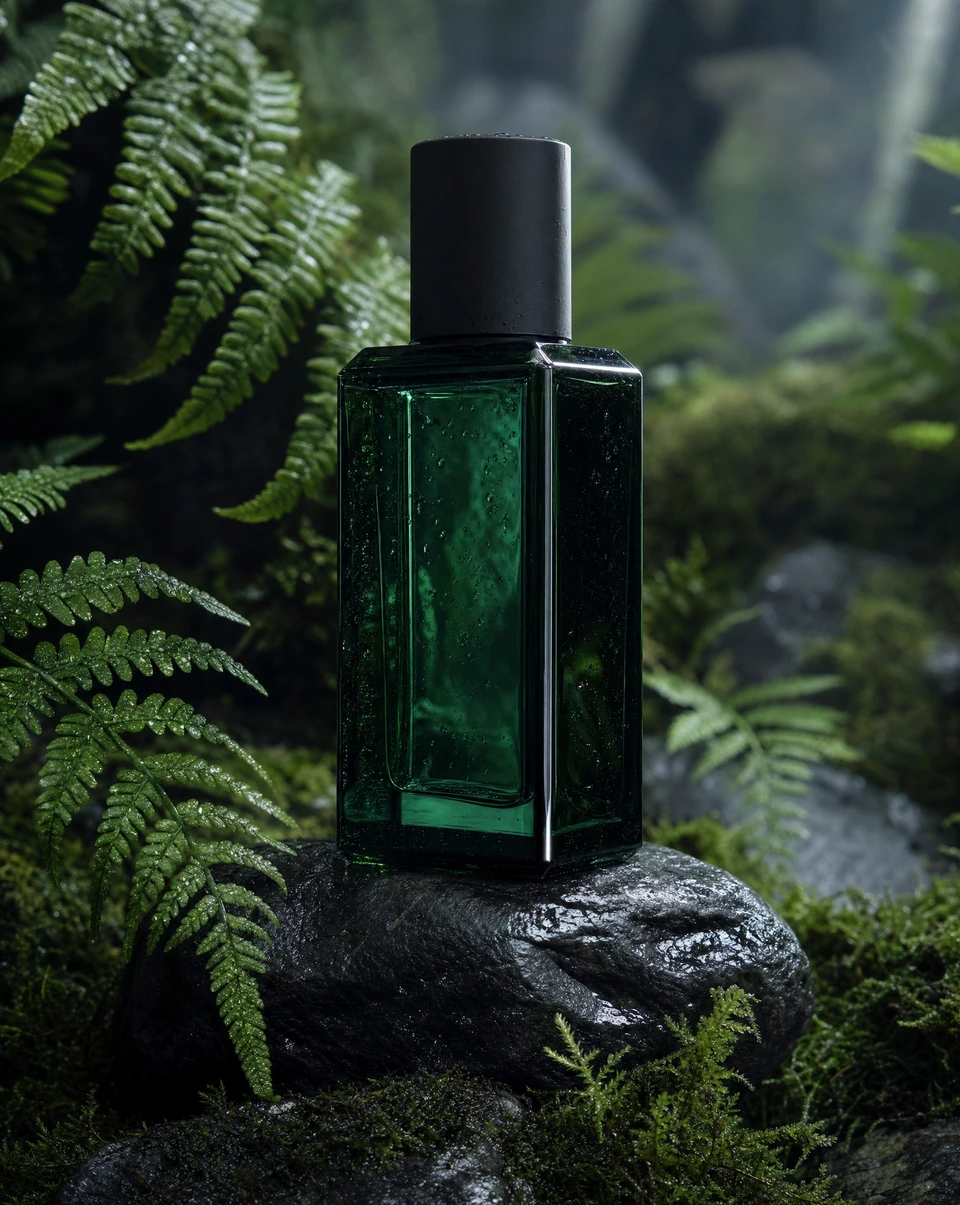
Explore product scenes with a real reference, deliberate light and materials that support the product. Learn what to preserve and what to review before a listing goes live.
Explore the workflow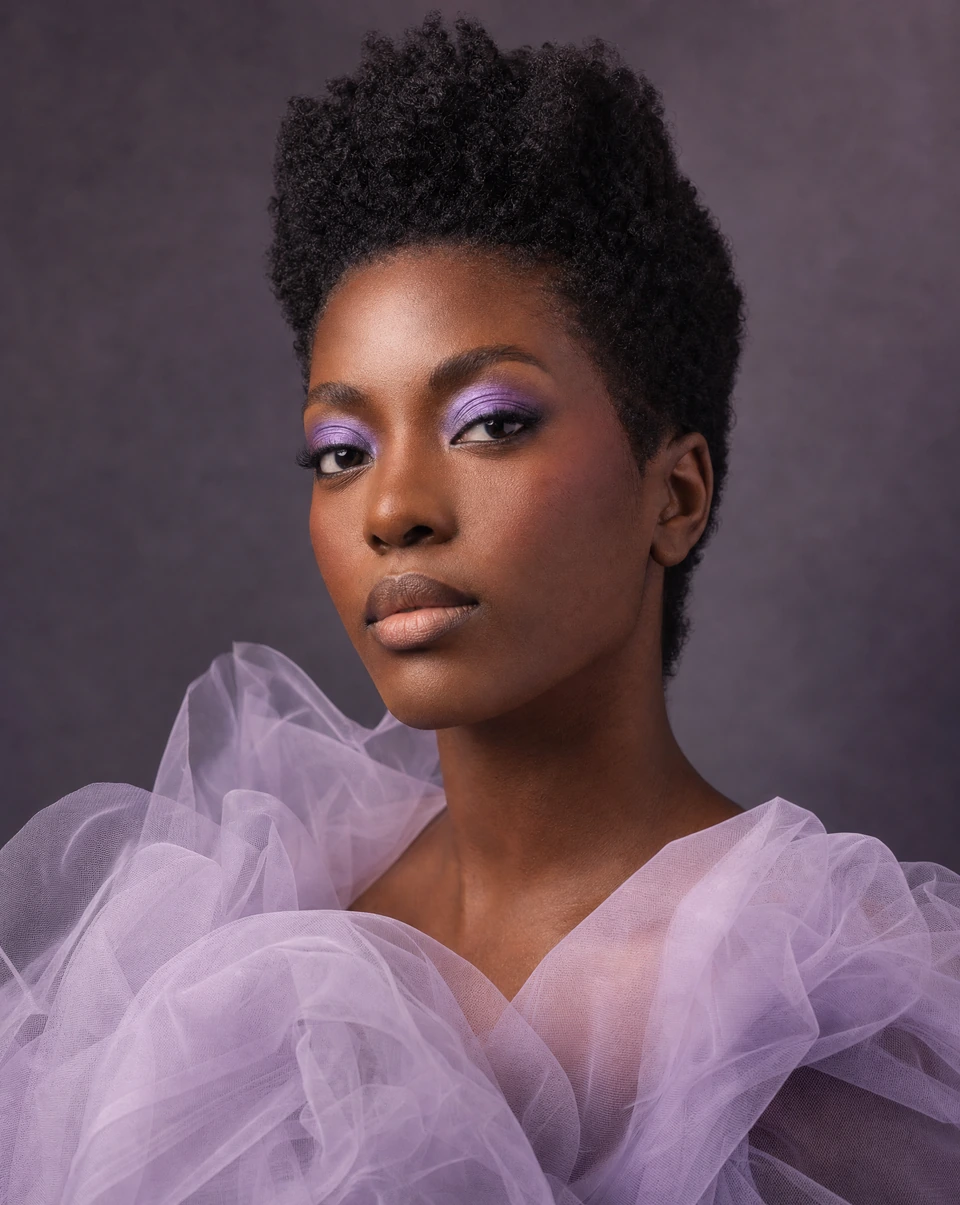
Develop beauty concepts around texture, tone and a clear visual mood. Keep packaging and claims grounded in the real product while exploring a fresh campaign setting.
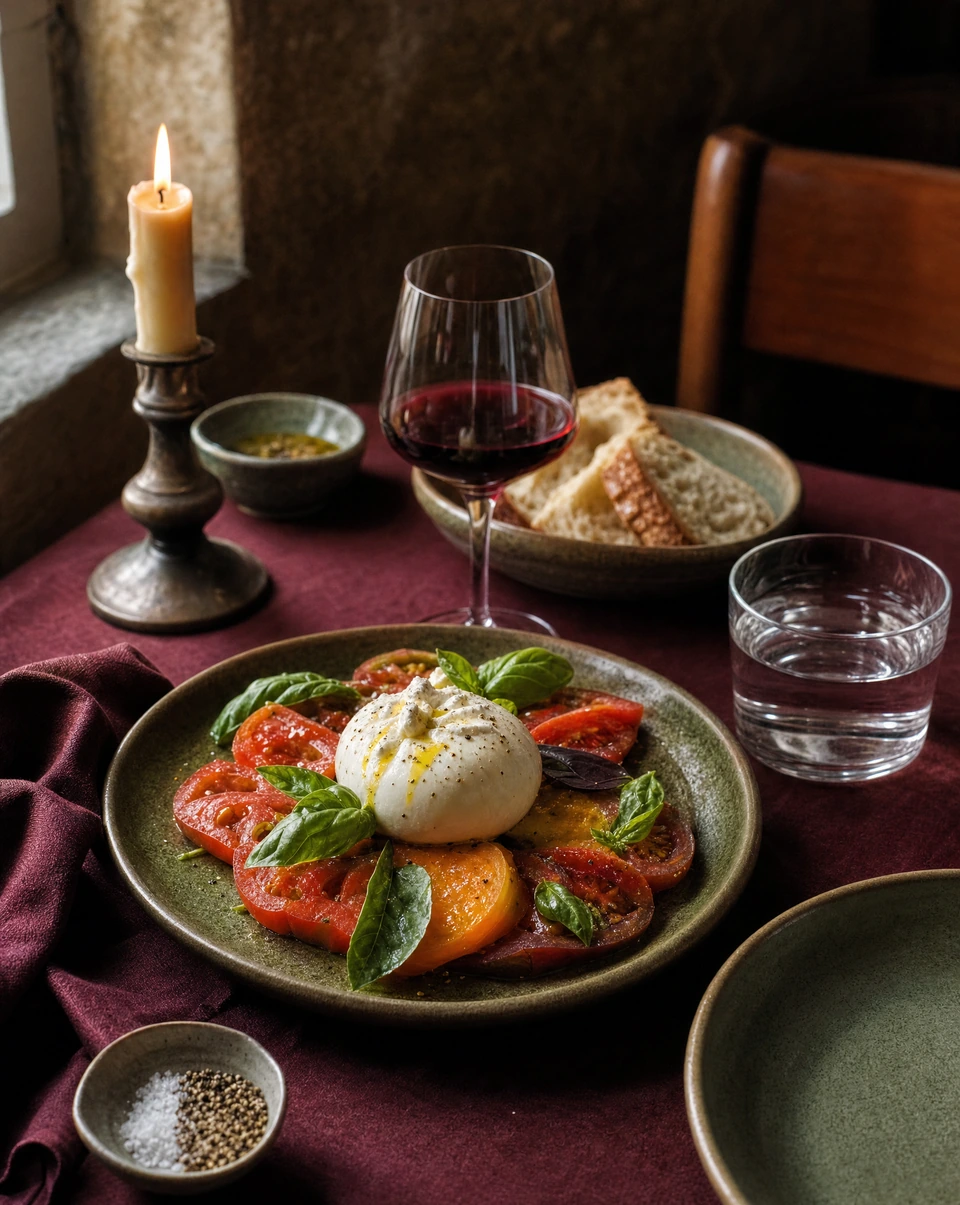
Explore the workflowPlan menu announcements and restaurant stories around the actual food and atmosphere. Explore appetizing scenes, then check ingredients, portions and presentation against reality.
Explore the workflow02 / Campaigns & identity
A campaign has to hold together across more than one image. Explore the audience, mood and visual rules first, then carry that direction into fashion stories, social ads and brand launches.
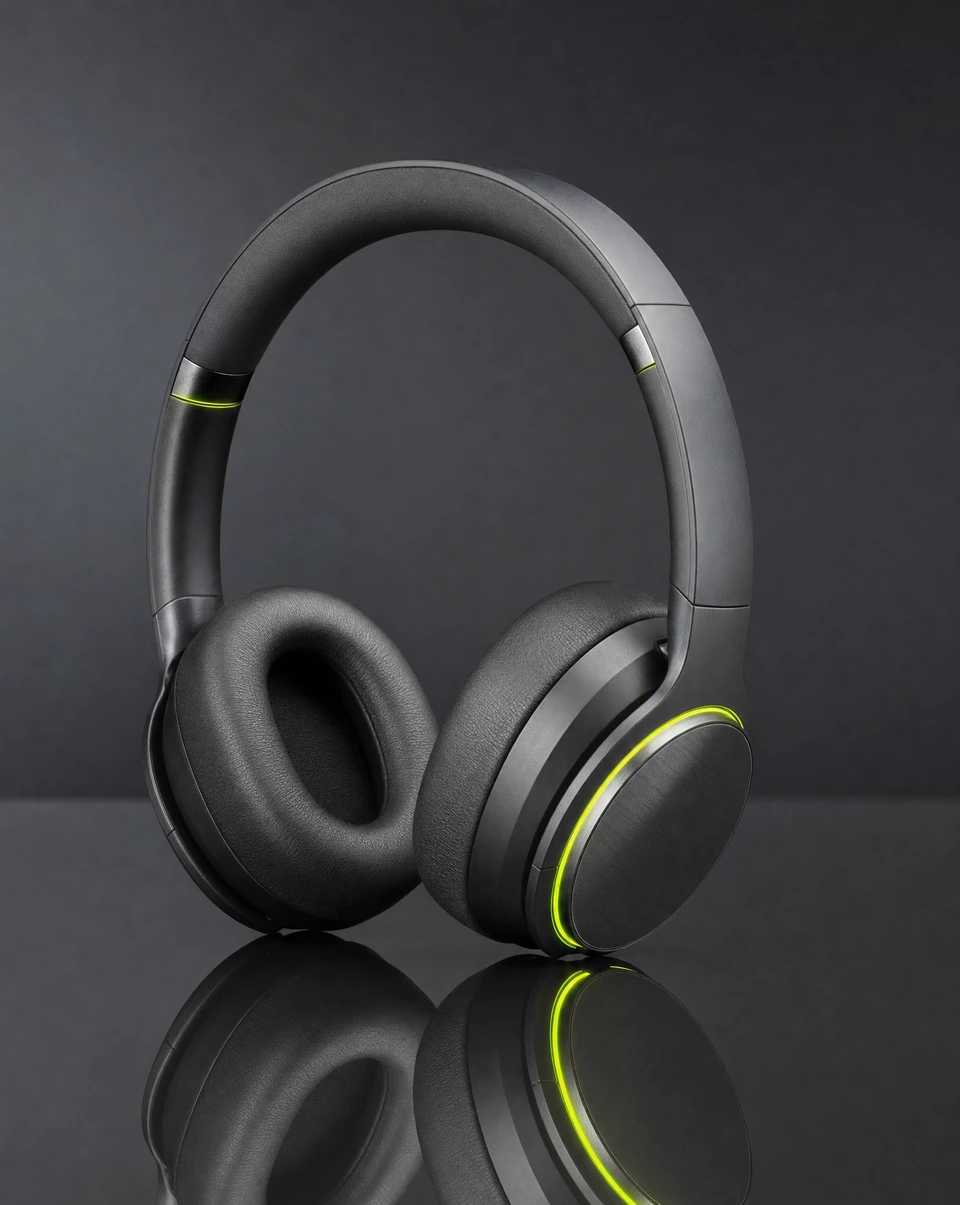
Turn one message into a few distinct visual directions. Work through the audience, format and focal point before creating an ad concept you can refine and test.
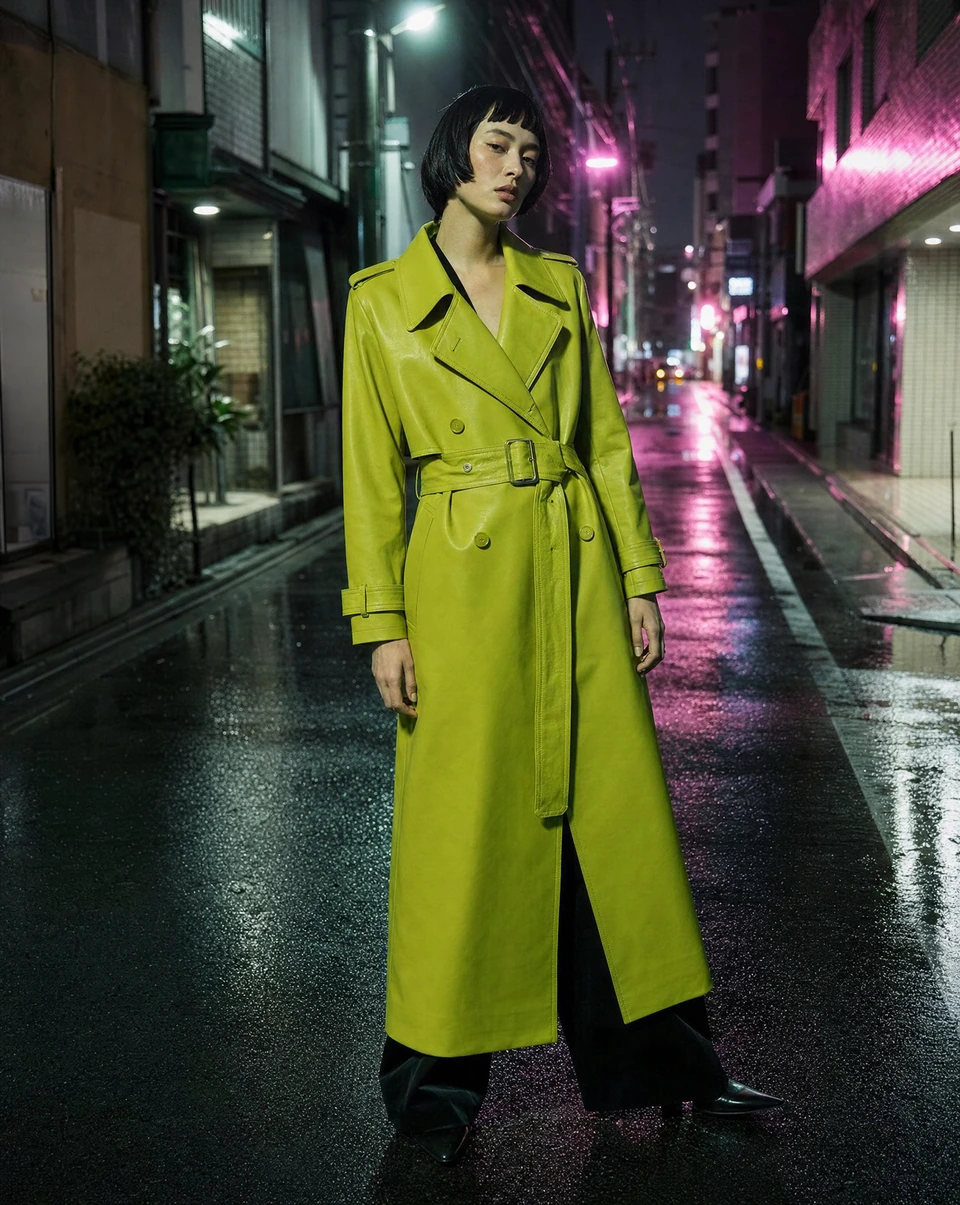
Explore the workflowBuild a fashion story through silhouette, location, styling and light. Use garment references when details matter, and review fabric, fit and anatomy before publishing.
Explore the workflow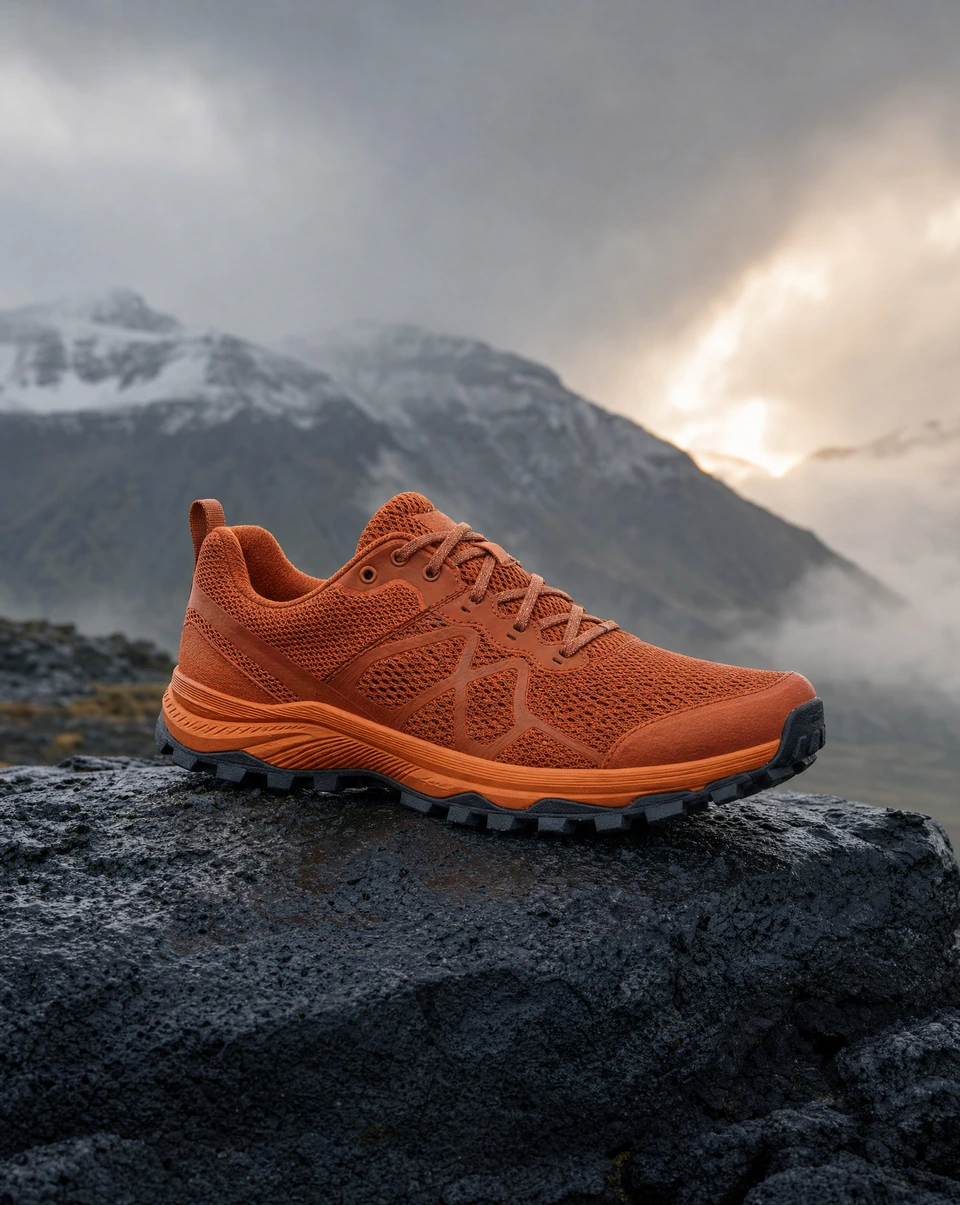
Research a public brand website, collect references and shape a consistent creative direction. Move from a broad launch idea to specific assets in the same conversation.
Explore the workflow03 / Places & culture
Some briefs begin with a space or a sound. Use architecture concepts to explore atmosphere, or shape an album cover around a musical mood. Each guide explains what to bring and what to check before sharing.
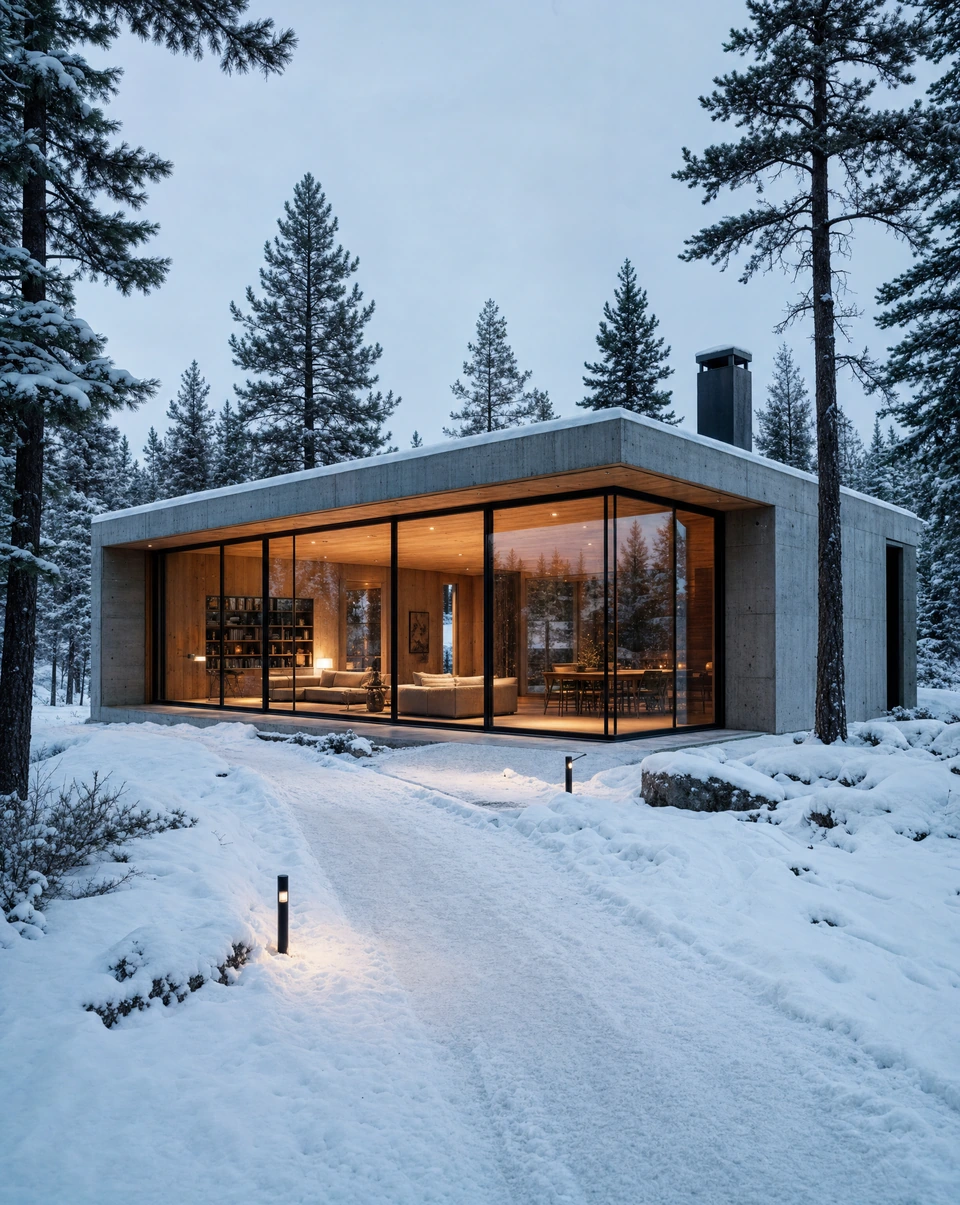
Explore spatial atmosphere, materials and lighting for an architectural concept. Separate visual exploration from measured plans or photographs of a finished property.
Explore the workflow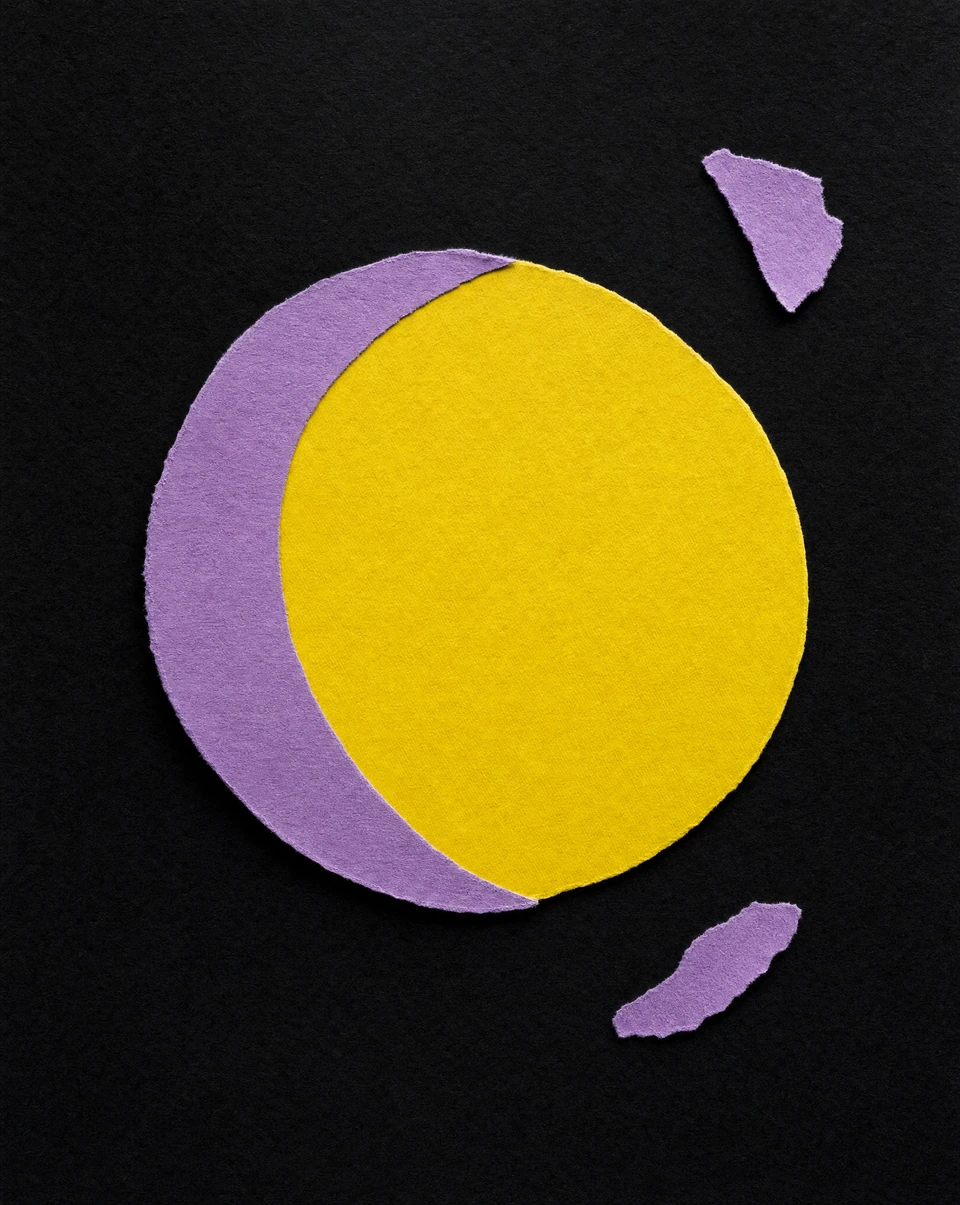
Translate a track, a feeling or an artist reference into a cover direction. Explore a strong composition before adding precise release typography and preparing the final artwork.
Explore the workflow04 / Creators & refinements
For a thumbnail, choose one clear idea that reads at a glance. For an edit, name exactly what should change and what should stay. Both work better when the brief is specific about the result.

Find a clear subject, expressive moment and readable composition for a video thumbnail. Use a real portrait when identity matters and check how the design reads at a small size.
Explore the workflow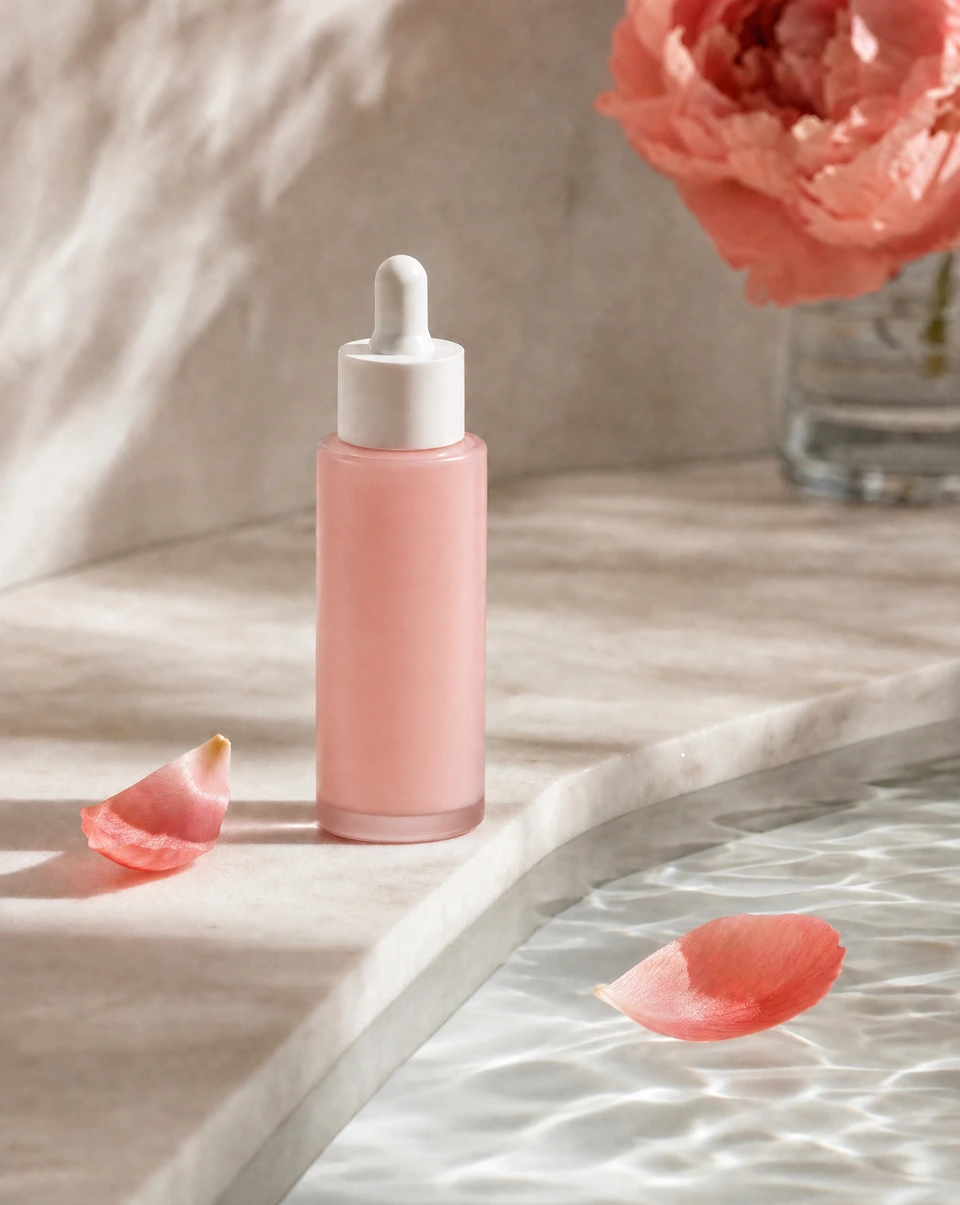
Upload an image and make a focused change in chat. See an actual Bloopo before-and-after example, learn how to preserve the important details, and keep both versions.
Explore the workflowCreative examples are illustrative. The image-editing guide also includes an actual Bloopo before-and-after.
THE SAME SIMPLE WORKFLOW
These guides use the same chat-based process. The subject changes; the useful questions stay the same.
Bring a product image, a portrait, your existing artwork or a public brand website. Explain the audience and where the finished asset will appear. A reference gives the conversation something concrete to work from.
Talk through the mood, setting, composition and format. Review the brief and approve the creation when it reflects your intent. A focused starting point makes the result easier to judge.
Open the result and describe a specific change. Say which details should stay. Keep both versions, compare the result with the reference, and review the final asset before publishing.
See the image-editing workflow ↗Start with brand campaigns. Share a public website and explain what you are launching. Research can help identify a visual direction; you still decide which references and ideas fit your brand.
Bring a real reference image and name the details that must stay. The product-photography guide covers scene planning, while the editing guide explains focused changes. Review identity, packaging and proportions in every result.
You can begin with an edit instead of a new concept. Upload it and explain the change in chat. For example, ask to change a color while preserving the composition, subject and light. The before-and-after example shows that kind of request.
START WITH YOUR OWN WHAT IF
A rough idea is enough to start the conversation. Bloopo can help you shape the brief.