Introduce the object
A clean hero composition puts the product silhouette first. Describe the camera angle, background and space needed around the object.
Bloopo helps you create AI product images from a reference photo and a brief. Explore settings, light and composition in chat, then inspect and refine the result.
Choose a plan to start creating. Your workspace opens after checkout.
The right direction depends on where the picture will live. Give each asset a role before asking for a render.
A clean hero composition puts the product silhouette first. Describe the camera angle, background and space needed around the object.
Campaign imagery can connect a product to a setting or feeling. Use a few coherent materials and one lighting idea rather than a crowded list of props.
A closer composition can explore texture, finish or an interesting form. Tell the chat which physical detail should be the focal point.
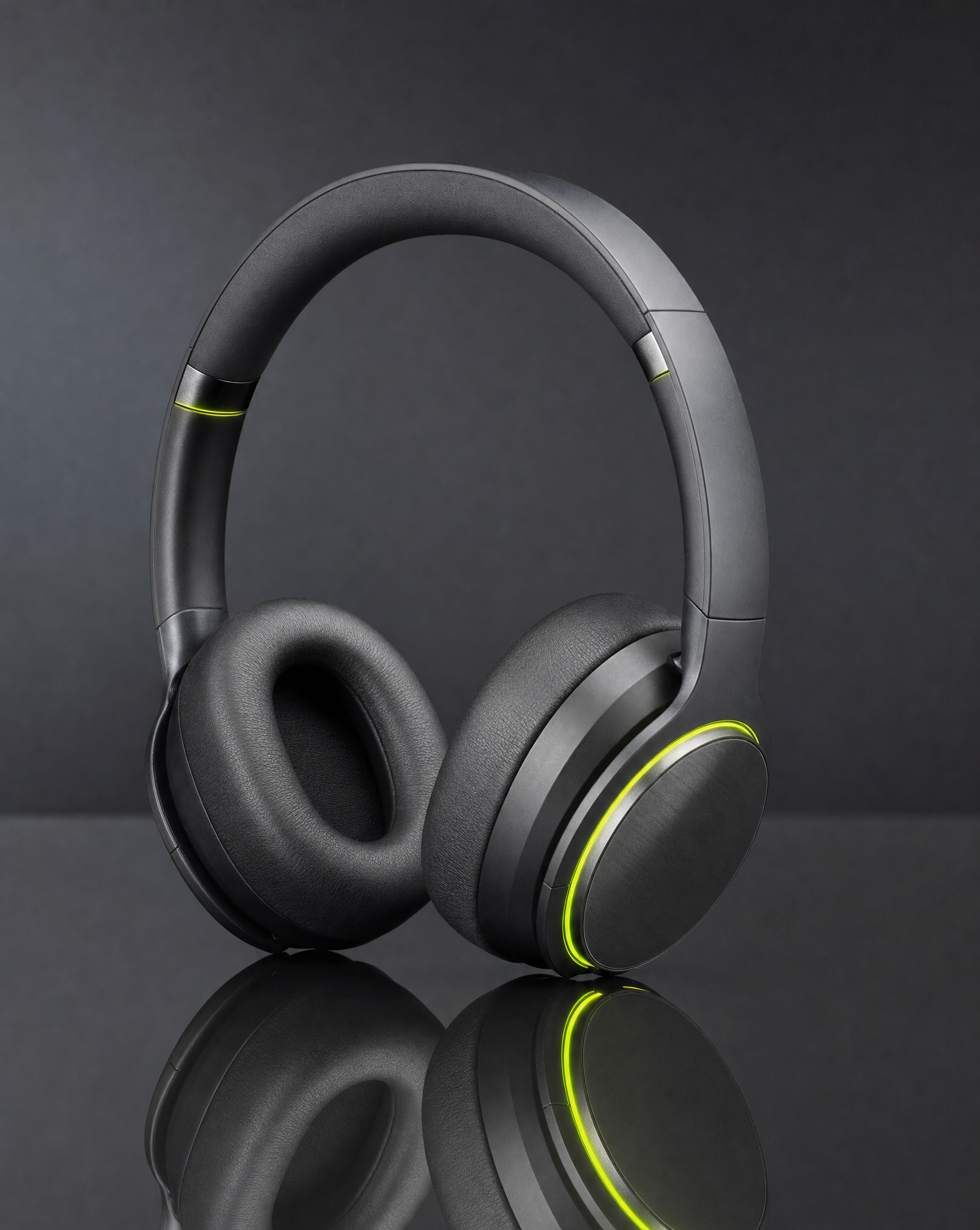
Brushed metal needs a different lighting description from translucent glass or soft fabric. Name the material, the surface below it and the direction of the light. These details are more useful than simply asking for a premium image.
Bring a real product photo when accuracy matters. Ask for one considered composition first, inspect it, and then decide whether you need another angle or a different environment.
Keep the product, audience and intended placement in the same conversation.
Upload a clear photo and describe the product accurately. Add a public website if you want help understanding the brand context.
Discuss possible settings and select one. State the crop, focal point and details that should be preserved.
Review the prepared creative brief, create the image and inspect it. Ask for a specific change rather than restarting from a vague request.
Start with a scene that serves the product. Replace these details with your own before creating.
Help me create a studio product image using my uploaded photo. Warm cream background, soft directional light and a grounded shadow. Ask which product details must stay accurate.
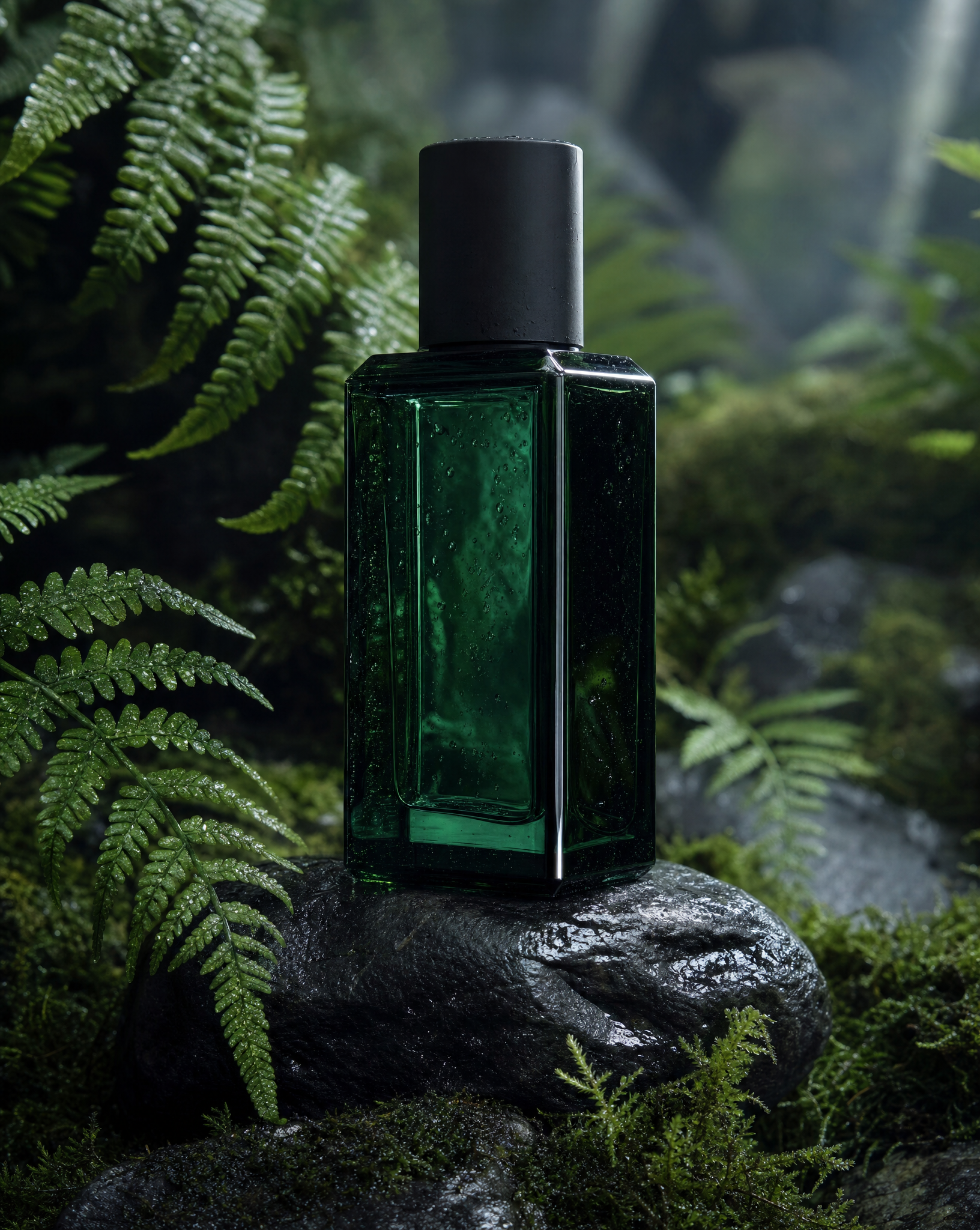
Start with this brief ↗Help me place my fragrance product in a mossy woodland setting. Rich natural texture, restrained light and a clear product silhouette. Ask for my product photo before preparing the image.
Start with this brief ↗Help me create a close product composition that emphasizes material and finish. Ask for a reference photo and the detail I want people to notice. Keep props minimal.
Start with this brief ↗A clear reference is a useful starting point. Tell Bloopo what matters about the object and what the image needs to do.
Yes. Upload a product photo in chat and explain which details matter. Bloopo can use image references for creation and edits. Review shape, packaging, color and text in the result before using it for a product listing.
Generative images can change fine details. A reference helps communicate the product, but it is not a guarantee of exact label text, measurements or geometry. Inspect a result against your original before using it to represent a real product.
Yes. Continue the conversation with the image you want to develop and describe the new setting or light. Be explicit about what should change and what should remain. Saved versions help you return to earlier work.
Choose a monthly or six-month plan and complete payment before setting up your account. Plans include credits for images, video and sound. Existing customers can sign in with their current access.
Another direction for your next creative.
Bring a reference, a question or a direction you want to explore.
Choose a plan · Create after checkout