An abstract atmosphere
Help me develop abstract cover artwork for an intimate electronic release. Tactile color, spacious composition and a sense of quiet movement. Ask about the music and visual references before creating.
Start with this brief ↗Create AI album-cover artwork in Bloopo chat. Share the mood, story and references behind a release, then develop and refine a visual composition before adding final release typography.
Choose a plan to start creating. Your workspace opens after checkout.
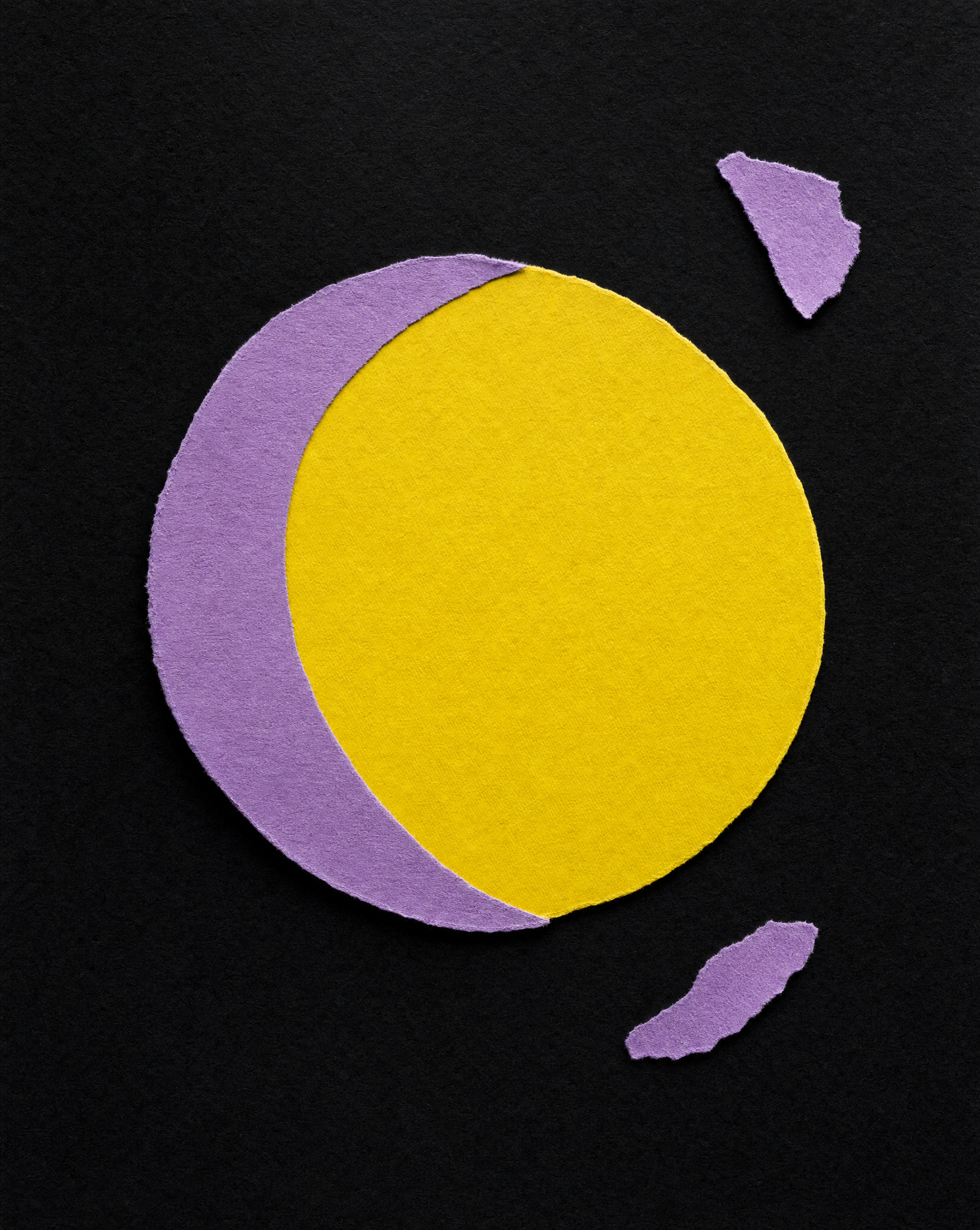
Describe the emotional territory of the release. A precise visual idea is more useful than a long list of genres.
Help me develop abstract cover artwork for an intimate electronic release. Tactile color, spacious composition and a sense of quiet movement. Ask about the music and visual references before creating.
Start with this brief ↗Help me create an original cover concept around one symbolic object. Ask what the release is about, then suggest a visual metaphor with a clear silhouette and space around it.
Start with this brief ↗Help me develop cover artwork built around an evocative imagined place. Ask about the sound, emotional mood and palette. Make the composition readable as a small square image, without text.
Start with this brief ↗Let the artwork have a core idea, a clear mood and enough room to stay memorable.
Start with the feeling that holds the release together. Is it intimate, restless, open, heavy or playful? Translate that into light, space and texture.
Choose an object, a place or an abstract relationship that belongs to this project. Avoid making every influence compete in one frame.
A cover often appears very small. Ask for a clear focal point and inspect the work at thumbnail size, as well as close up.
Keep the story of the release connected to each creative decision.
Share its mood, themes and the visual references you want to discuss. The chat works with your description; do not assume it has listened to an unprovided track.
Compare concepts in words before creating. Decide on a focal point, palette and whether the artwork needs room for typography.
Review the image at different sizes. Ask for a focused edit, download the chosen version and check the technical requirements of its destination.
A few words about the sound and the story can become a much more deliberate visual brief than asking for a cool album cover.
You can request a square composition and describe where it will be used. Check the downloaded file dimensions and your distributor’s current delivery requirements before submitting the final cover.
You can discuss text in the brief, but generated lettering may need correction. For exact spelling and placement, consider creating the artwork with space for type and finishing the typography in your layout tool.
Yes. Keep the core visual idea, palette and references in the conversation. Ask for related compositions, inspect how well they connect and refine the selected direction.
Choose a monthly or six-month plan and complete payment before setting up your account. Plans include credits for images, video and sound. Existing customers can sign in with their current access.
Another direction for your next creative.
Bring a reference, a question or a direction you want to explore.
Choose a plan · Create after checkout