A focused color change
Help me change one color in my image. Ask for the source and the object to change. Preserve the composition and lighting as far as possible, then help me inspect the result.
Start with this brief ↗Edit images in Bloopo by describing the change in chat. Upload an image or choose existing work, review the result and keep earlier versions as you refine it.
Choose a plan to start creating. Your workspace opens after checkout.
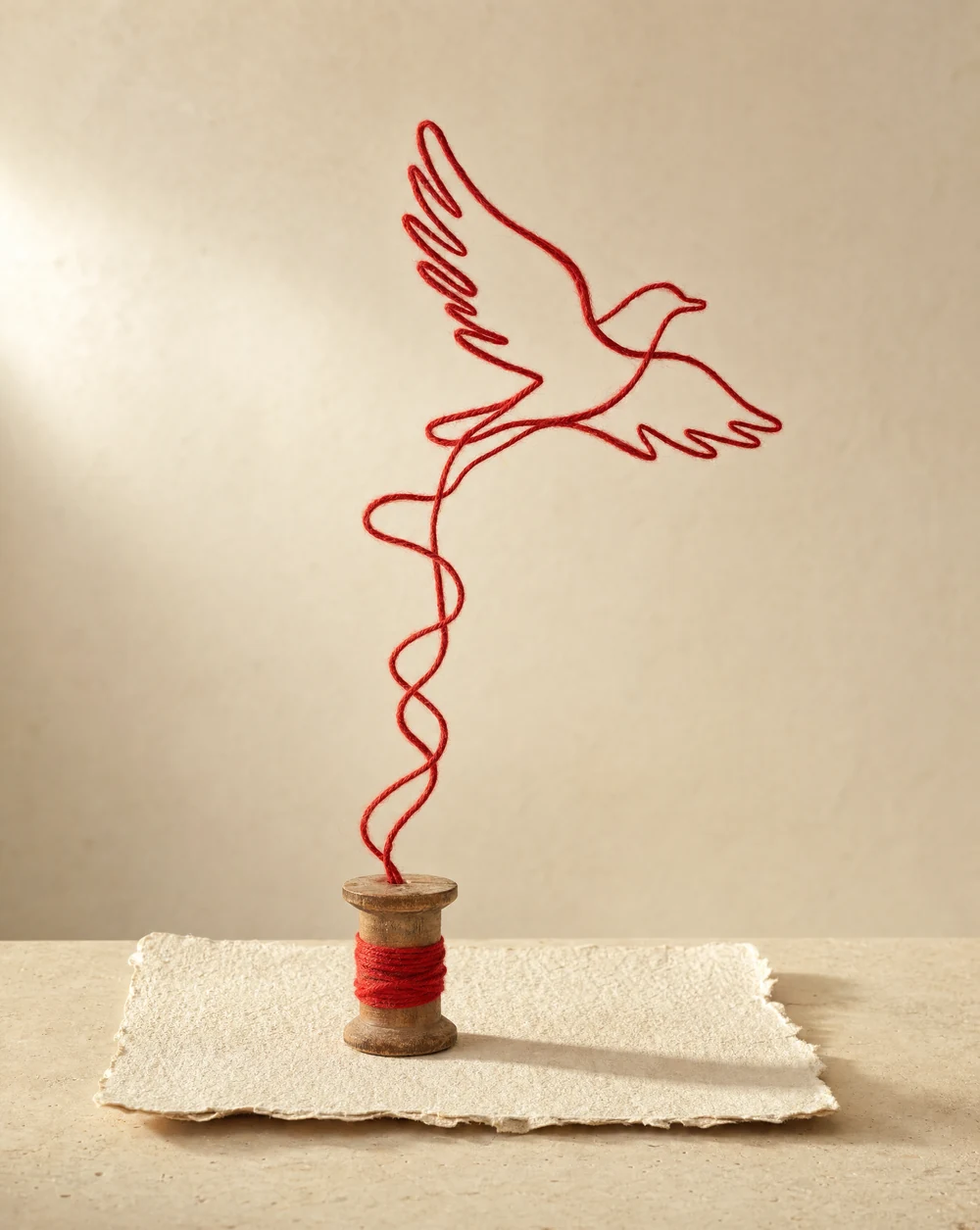
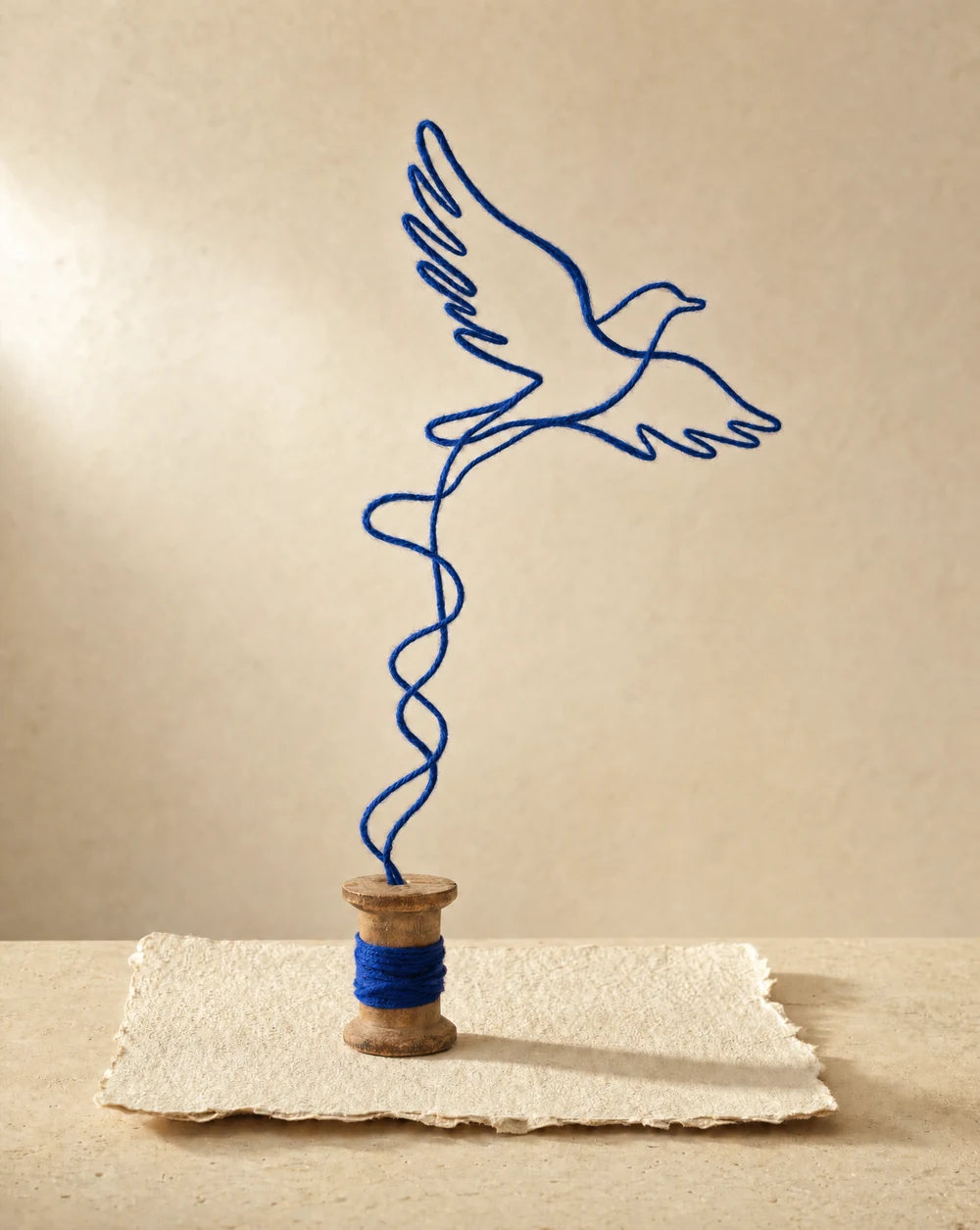
THE REQUESTChange the red wool to cobalt blue while keeping the composition, materials and light.
Actual Bloopo creation and edit. Both versions were saved. This example is not a guarantee of identical detail in every edit.
Name both the change and the details that matter. Start with a source image you can inspect.
Help me change one color in my image. Ask for the source and the object to change. Preserve the composition and lighting as far as possible, then help me inspect the result.
Start with this brief ↗Help me edit the lighting mood of an image. Ask for the source and the feeling I want. Keep the main subject and composition recognizable, and explain what to check in the result.
Start with this brief ↗Help me simplify the background of my image. Ask for the source, what should be removed and what should remain. Keep the subject as the focal point and prepare a specific edit brief.
Start with this brief ↗A narrow request makes an edit easier to inspect and discuss.
Name the object, color, background detail or lighting mood you want to revise. If several things need work, explain which matters most so the first edit has a clear purpose.
Identify the subject, composition or material qualities you want retained. These guide the request; review the result because generative edits can still alter surrounding detail.
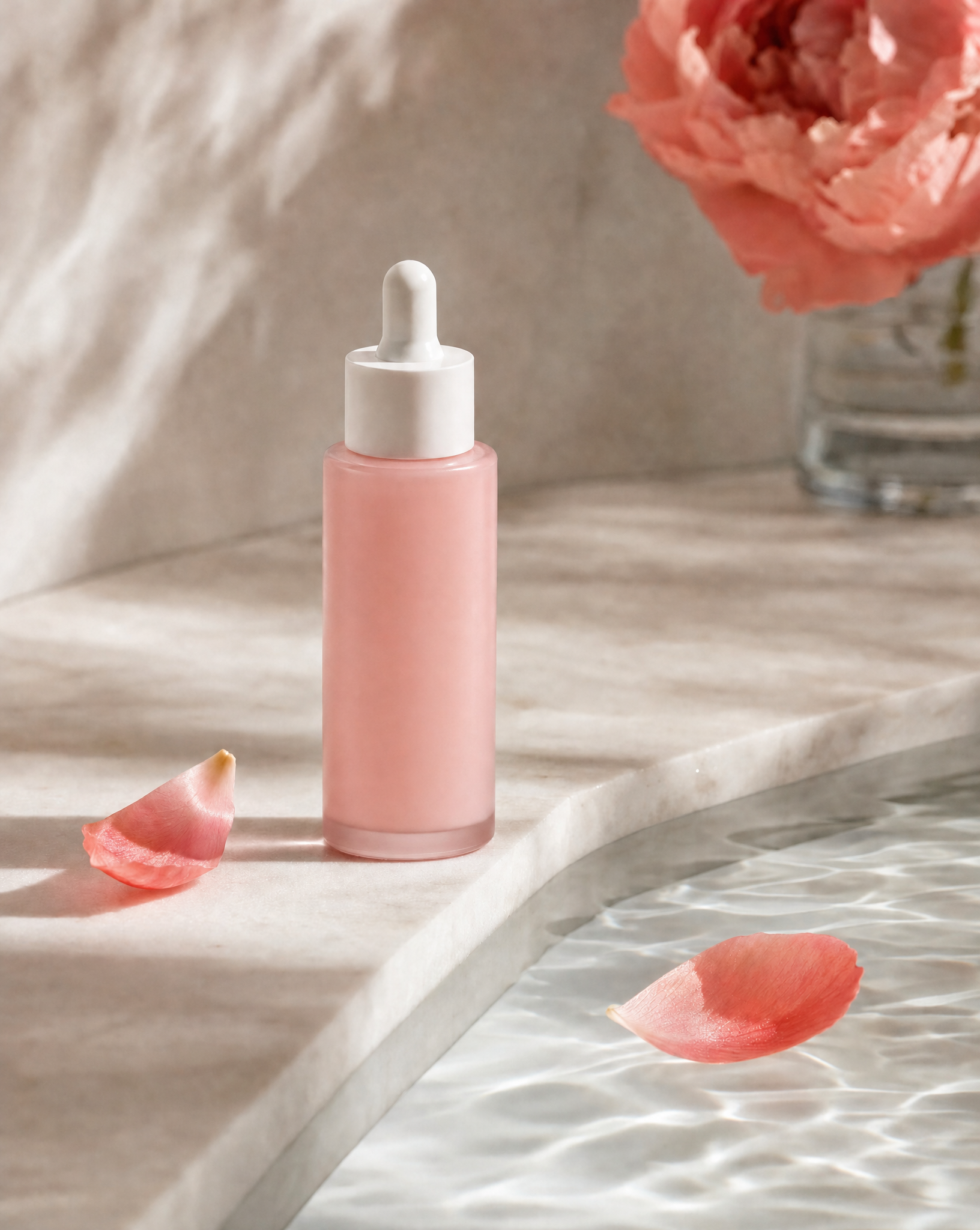
An uploaded product image, a campaign frame or a saved Bloopo creation can give an edit a starting point. Be clear about which image you mean and why it needs a change.
After the edit, compare the subject, light and materials against the source. Ask for a correction with a specific observation rather than simply asking the image to be better.
The conversation can hold the creative brief and the result together.
Upload or select the image you want to edit. If there are multiple versions, identify the one you intend to use.
Explain the change and the details to retain. Check the prepared brief before the edit is created.
Inspect the edited image alongside its source. Keep the earlier version, continue refining or download the one that works.
Start with the change you want. You can upload or select the source image after opening the conversation.
Yes. Upload an image or select a saved Bloopo asset in chat, then describe the change. Be specific about the source and which details should be retained.
No. Generative editing can affect details beyond the requested change. The red-to-cobalt example shows one actual result, not a guarantee of pixel identity. Inspect the edited version before using it.
Bloopo keeps saved versions for its image edits. You can ask about version history and compare available images. Make sure the chat is working from the version you intend, especially after several revisions.
Choose a monthly or six-month plan and complete payment before setting up your account. Plans include credits for images, video and sound. Existing customers can sign in with their current access.
Another direction for your next creative.
Bring a reference, a question or a direction you want to explore.
Choose a plan · Create after checkout