Portrait as atmosphere
Describe expression, makeup, framing and light. A calm portrait and a vivid editorial look communicate different kinds of energy.
Create beauty portraits and skincare product imagery in Bloopo chat. Bring references, set the mood and work through texture, color and light before refining the result.
Choose a plan to start creating. Your workspace opens after checkout.
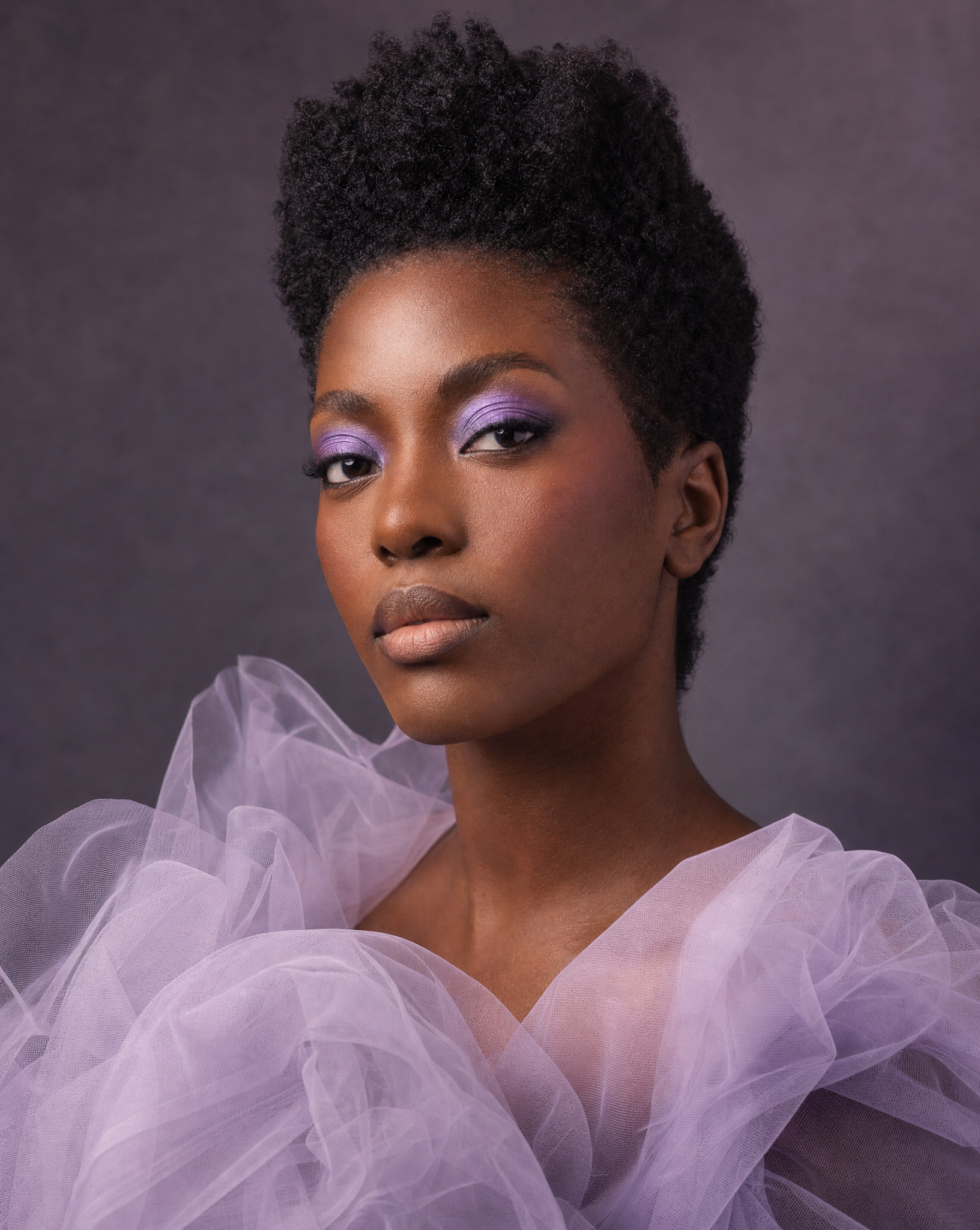
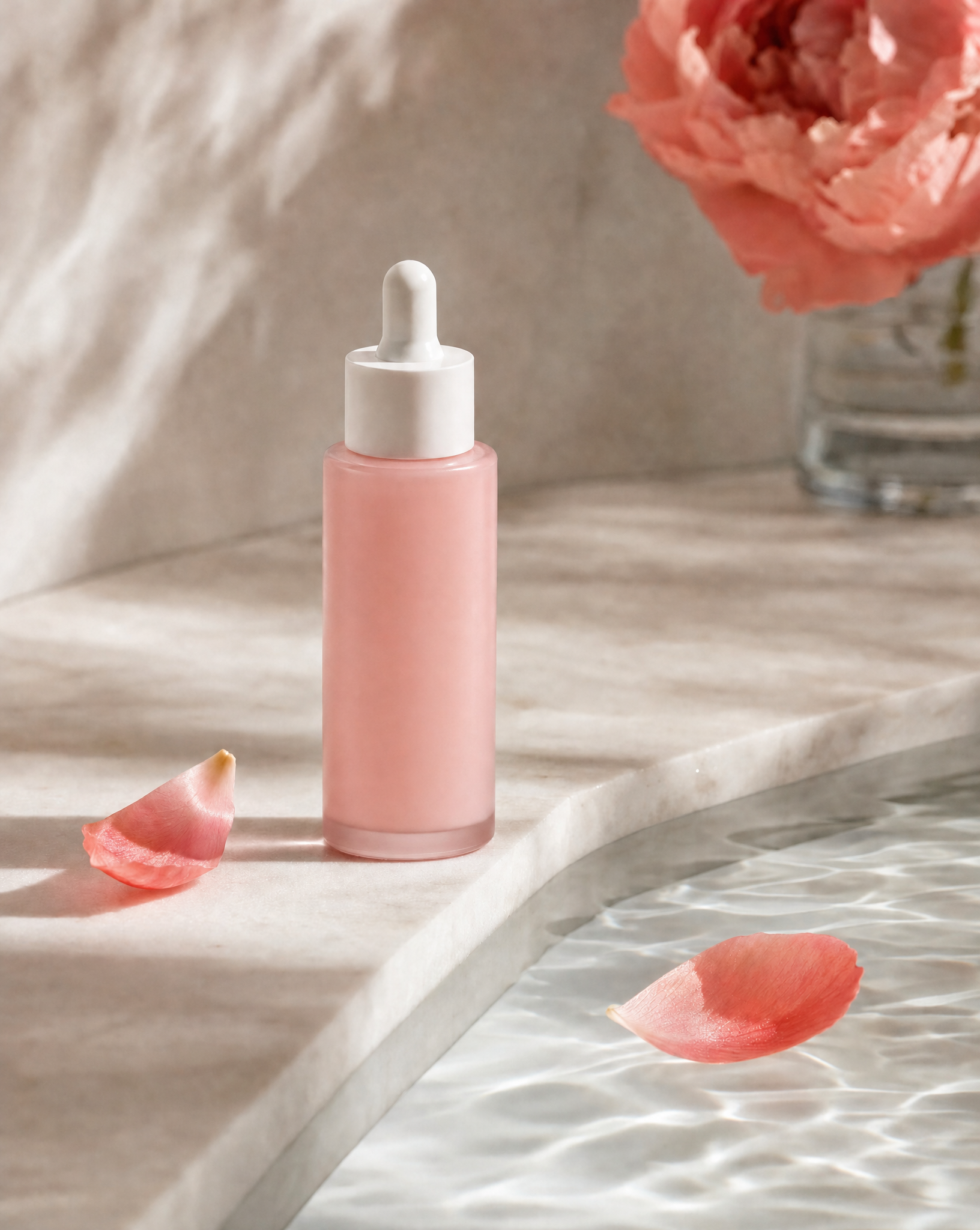
The creative direction can express a feeling without claiming a product effect.
Describe expression, makeup, framing and light. A calm portrait and a vivid editorial look communicate different kinds of energy.
Supply a reference and name the material: frosted glass, brushed metal or soft packaging. Give the object a believable surface and shadow.
Cream, water, petals and translucent materials can become abstract campaign imagery. Use them deliberately rather than as a list of assumed ingredients.
Bring enough detail to shape the direction, then leave room to evaluate the work.
Share accurate product details and references. Describe the mood independently so creative ideas do not become invented claims.
Choose the palette, focal point and lighting. Discuss what should be visible and what should be kept out of the frame.
Inspect skin, hands, packaging and reflections. Make a specific revision request, then compare it with the earlier image.
Explore a portrait, a product still life or a tactile material study. Each asks the image to do something different.
Help me create a beauty editorial portrait with natural skin texture, restrained makeup and soft lavender light. Ask about the mood and framing. Avoid a plastic or overly smoothed finish.
Start with this brief ↗Help me develop a skincare product still life using my reference photo. Tactile botanical surroundings, soft directional light and a quiet palette. Keep the product as the focal point.
Start with this brief ↗Help me create an abstract beauty texture study with cream, translucent light and a restrained palette. Ask about the brand mood. Treat it as campaign art, not evidence of product ingredients or effects.
Start with this brief ↗Share the real product information and the creative mood separately. Bloopo can help turn both into a more intentional brief.
Yes. Describe the image you want and provide useful references in chat. Develop a portrait concept, a product setting or an abstract texture direction, then ask for edits.
No. Generated imagery is creative material, not evidence of a product effect. Avoid using it as a factual before-and-after result or making unsupported ingredient and performance claims.
Specify natural pores, subtle tonal variation, restrained highlights and the kind of light you want. Review anatomy and texture, then ask for a focused change if the result looks too smooth or artificial.
Choose a monthly or six-month plan and complete payment before setting up your account. Plans include credits for images, video and sound. Existing customers can sign in with their current access.
Another direction for your next creative.
Bring a reference, a question or a direction you want to explore.
Choose a plan · Create after checkout